Convert Guarantors to Patients
|
If a patient’s guarantor also decides to attend your institution, you can convert their guarantor record into a patient record. Note: This does not remove them as guarantor from other patient records. To convert a guarantor to a patient:
Note: If the icon is disabled when the guarantor is selected, the guarantor is already a patient. Tip: Ensure you change the guarantor patient's status to Active. |
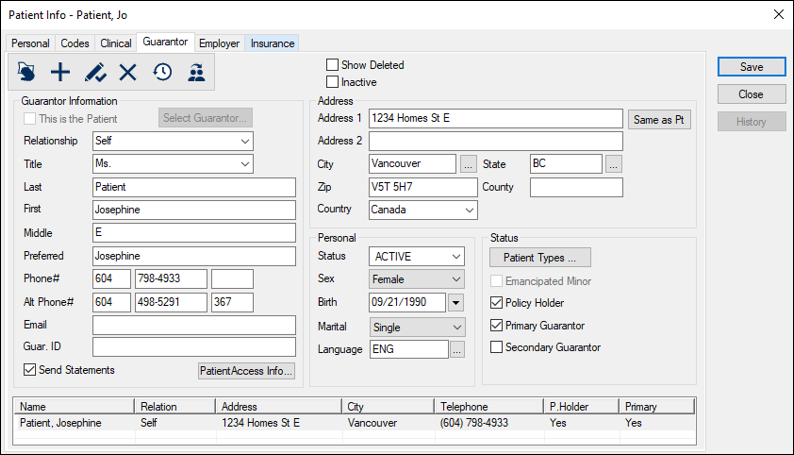
 ) icon.