Approve Treatment Plans

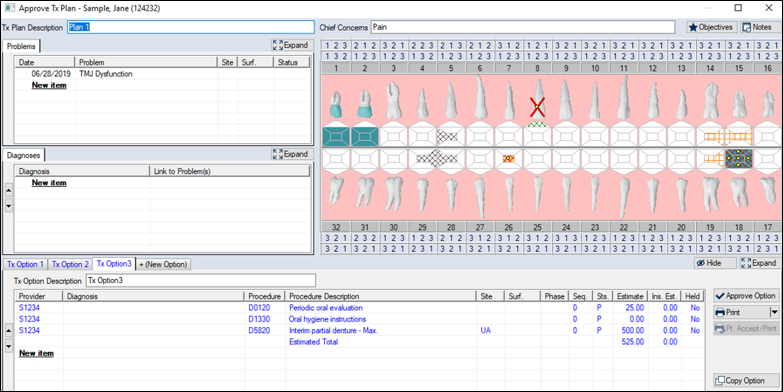
When approving a treatment plan record type, the Approve Tx Plan window displays.

To approve a treatment plan:

  1. Review the fields.
  2. Select the option you want to approve.
  3. (Optional) Modify the fields as necessary.
  4. Complete any of the following:
    • Click Approve Option to approve the treatment plan.
    • Click X to cancel the approval and keep the treatment plan listed in the Patient Approvals window.
    • Note: If you click Cancel and other items are selected for approval, the Abort Approval Process Question window displays. Click Continue or Stop as necessary.