Approve Perio Exams
|
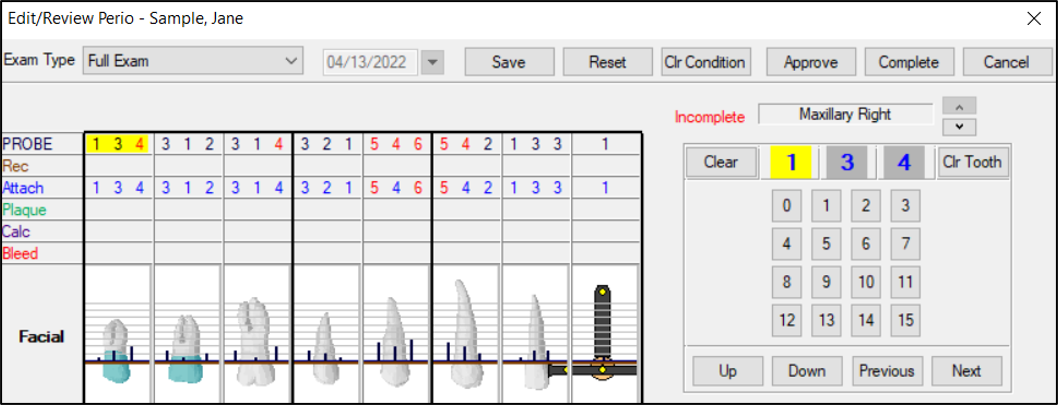
When approving a perio exam record type, the Edit/Review Perio window displays. Note: If the exam is incomplete, the Complete button is enabled.
To approve a perio exam:
Tip: An Incomplete label displays in red if the perio exam has not yet been completed. Note: If the logged in user (e.g., faculty member) is not the provider that performed the exam, a Complete Perio Exam message displays. If prompted, click Yes to confirm the completion. Note: If you click Cancel and other items are selected for approval, the Abort Approval Process Question window displays. Click Continue or Stop as necessary. |