Approve Lab Orders
|
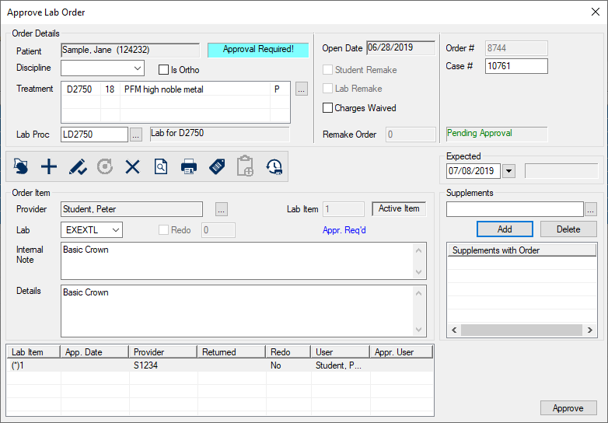
When approving a lab order record type, the Approve Lab Order window displays.
To approve a lab order:
Note: If you click Cancel and other items are selected for approval, the Abort Approval Process Question window displays. Click Continue or Stop as necessary. |