Customize the EHR
|
If you have the necessary access permissions, you can customize the way the EHR displays and behaves on individual workstations. Configuration is accessible from the Options/Settings (  Chart tab (Odontogram) Chart tab (Odontogram)
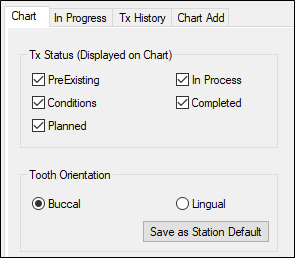
The EHR Options window > Chart tab controls display options on the odontogram.
In Progress tab
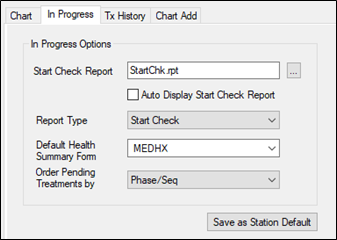
The EHR Options window > In Progress tab controls behavior of the In Progress tab of the EHR.
Tx History tab
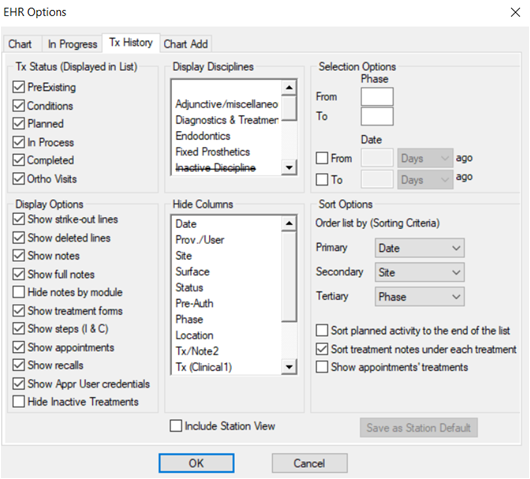
The EHR Options window > Tx History tab controls display options on the Tx History tab.
Chart Add tab
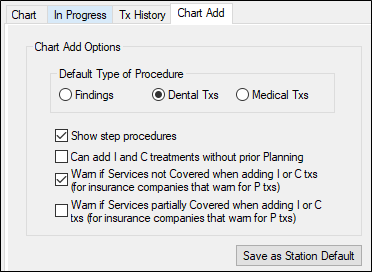
The EHR Options window > Chart Add tab controls display options for the Chart Add tab of the EHR.
|
 ) icon > EHR Options window.