Switch Users
|
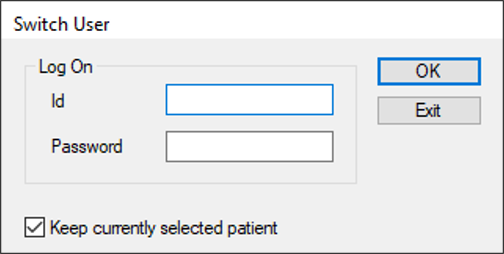
You can switch users while axiUm runs and keep the current patient selected. To switch users:
|
|
You can switch users while axiUm runs and keep the current patient selected. To switch users:
|