Log Off axiUm
|
You can log out of axiUm but continue to run the application. If you used organization-based sign-in to log in to axiUm, all authentication session cookies are automatically cleared from the system browser when you log off axiUm. This ensures the next user is prompted to enter their email, password, and MFA code during sign-in and prevents unintended access to a previous user's session on shared workstations. To log off axiUm:
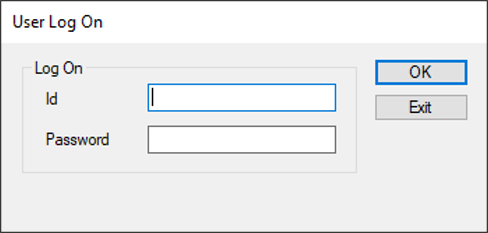
axiUm logs you off and displays the User Log On window for another user.
|