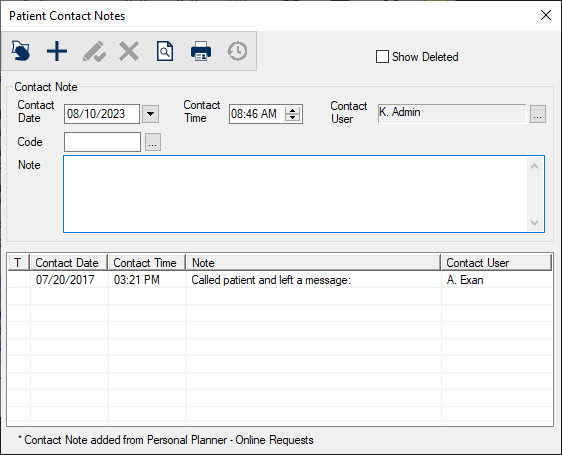
Patient Contact Notes
|
Patient contact notes record and track the date, reason, and outcome of all attempts to contact patients. They help staff and providers quickly understand why a patient is contacting them and what must be done for the patient when a patient returns a call to your institution. Examples:
Patient contact notes can be added from the Patients module and the Transactions module. Tip: If your institution uses Online Appointment Requests with prospective patients, contact notes can also be added from the Personal Planner > Online Requests tab if staff indicate that a note on a request should be included in the patient’s contact notes. |