View Claim Statuses
|
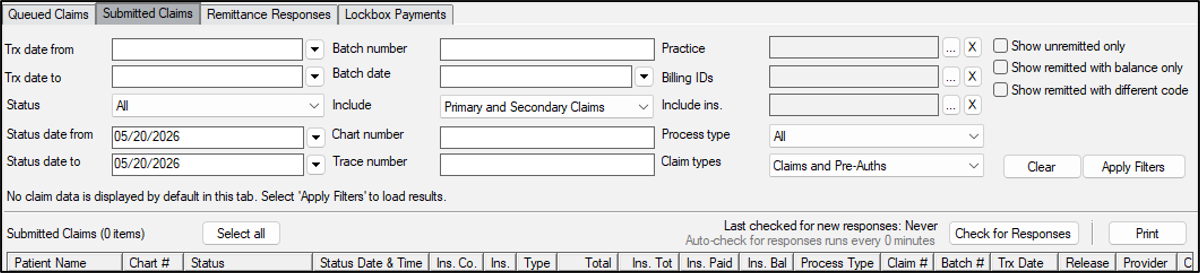
You can review the status of submitted claims. This allows you to stay informed, identify claims that need follow up, such as rejections or pending response, and take action to avoid delays and ensure timely filing. Tip: Rejected claims display in red. Claim statuses may include any of the following:  Claim Statuses Claim Statuses
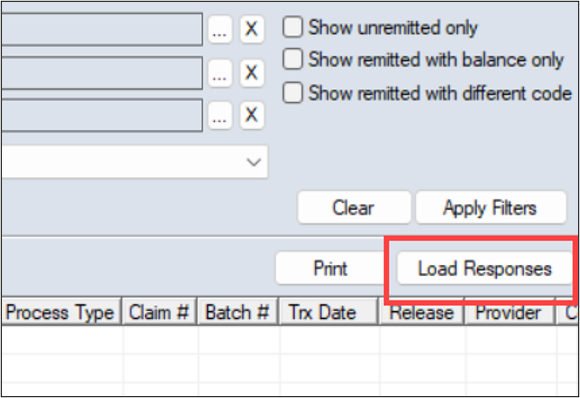
To view a claim status:
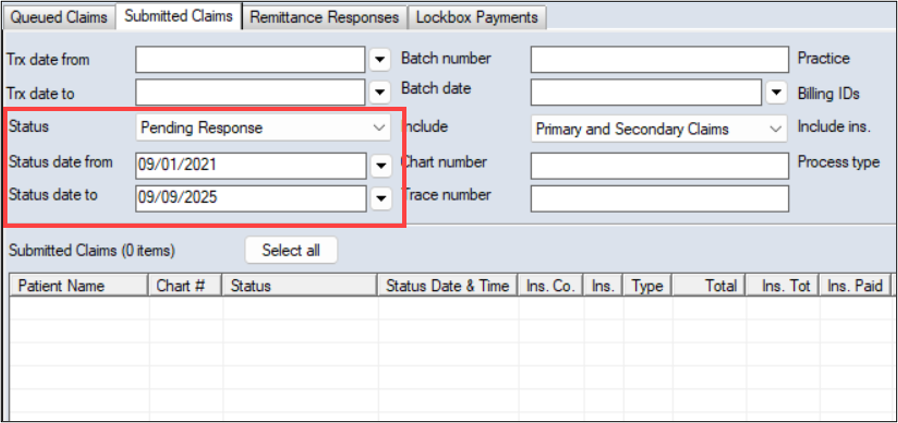
Example: Pending Response Tip: To further narrow the list of claims, you can set additional search fields.
|